How ourdream Works
Using ourdream is intentionally simple. There are four steps between you and a private chat with the AI companion you choose. No accounts to set up to browse, no friction, no surprise paywalls in the middle of a flow.
Step 1 — Browse profiles
Start on the home page. The top slider shows our most popular AI companions. Below it, the full archive — dozens of profiles you can filter by hair color, eye color, style, or online status. Sort by Popular, New, Top Rated, or Online. Take your time.

Step 2 — Open a profile
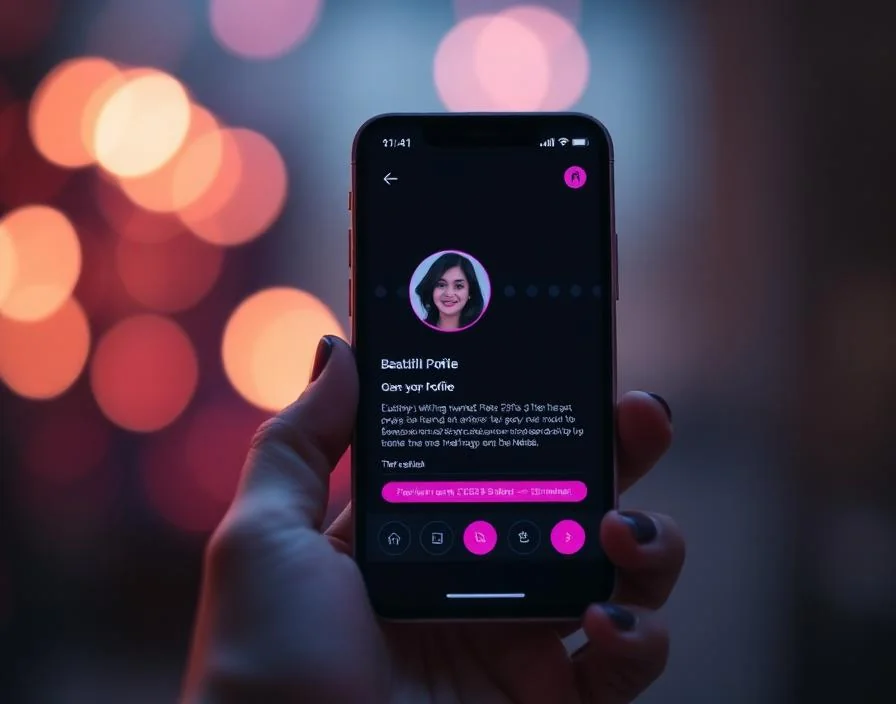
Tap any card to open the full profile. You'll see the main photo, a four-image gallery, the bio, region, height, hair, eyes, style, personality, interests, and favorite topics. Everything you need to decide if this is a companion you'd actually enjoy talking to.
Step 3 — Read the personality
The bio on every profile is hand-written. It tells you who this AI companion is, what she enjoys, and what kind of conversations feel right for her. Read it. The character is consistent — it's the same person in the chat.

Step 4 — Continue to private chat
When you're ready, tap Start Chat. You'll continue to a private chat experience where you can talk to the companion directly. The transition is instant. The chat is private. You can come back to the archive anytime.